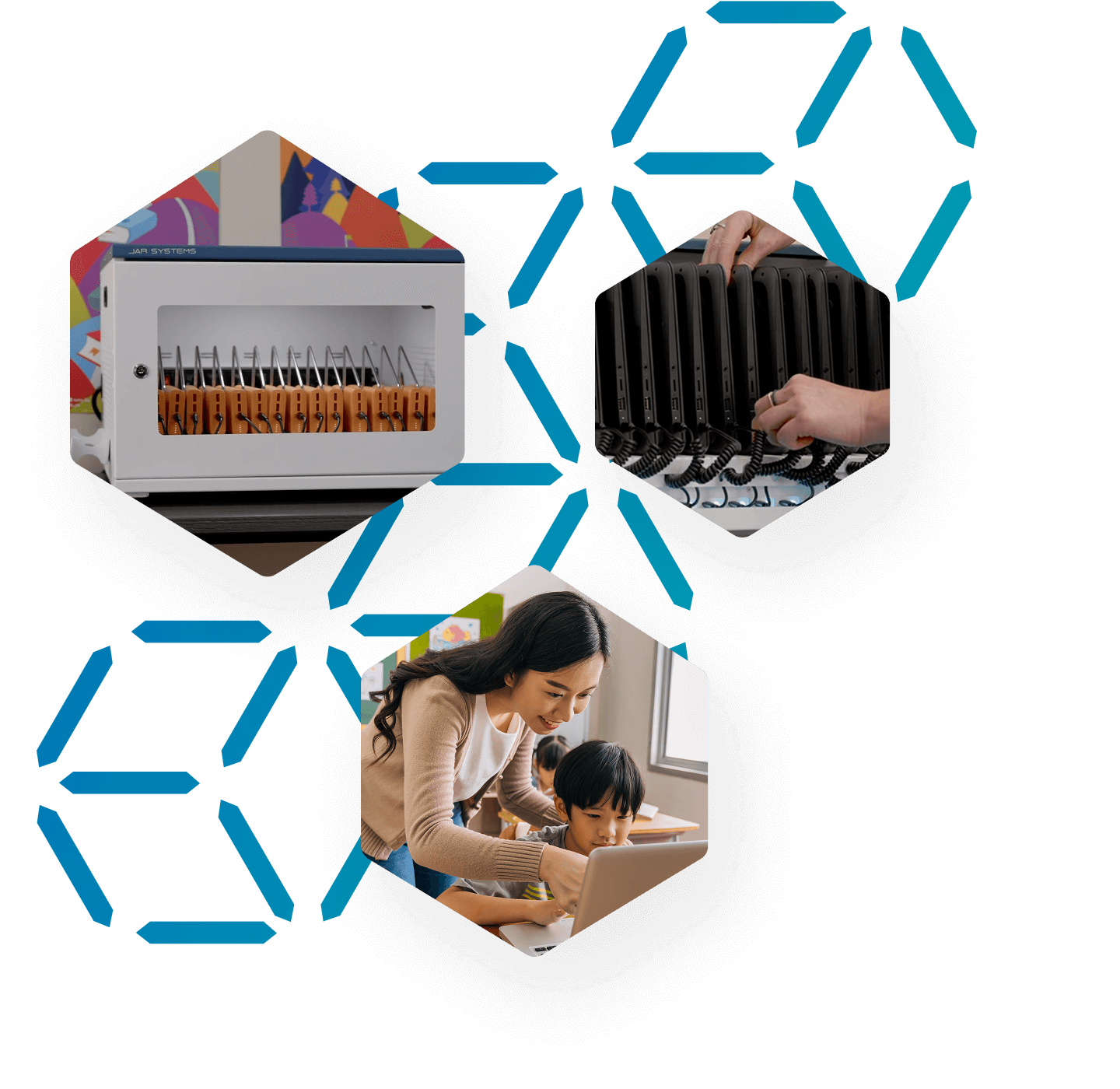
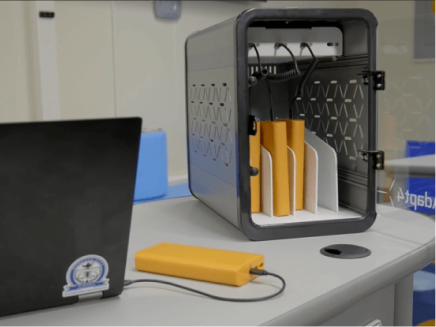
From 1:1 take-home programs to shared classroom devices, the right charging strategy depends on how your technology is used—not just what you buy.
Explore proven charging approaches for Chromebooks, laptops, and tablets across K-12 environments.
.png?width=2000&height=2000&name=Banner-Image-K-12-v2(1).png "Girl and teach holding devices")


Devices sent home daily with students

Devices that stay in classrooms overnight

Devices shared between multiple classrooms
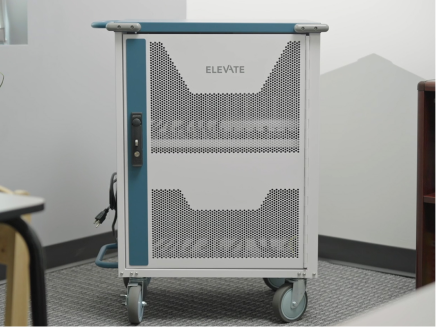
Each classroom model requires a different charging strategy. Here's how they compare.
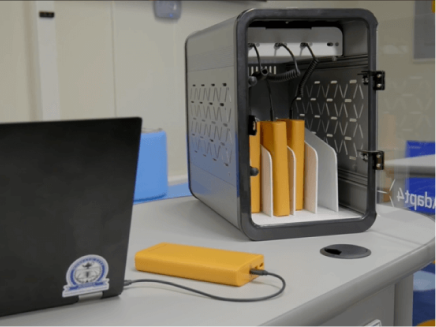
When devices go home with students, maintaining consistent battery life is critical. Power banks and portable charging solutions ensure every student has access to fully charged devices, regardless of home charging availability.
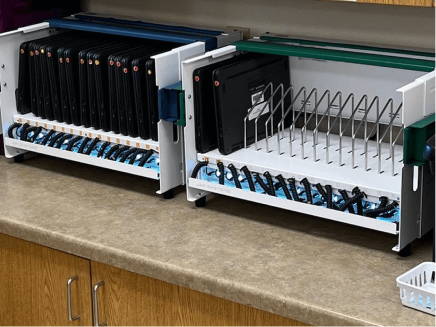
Devices that remain in the classroom need reliable overnight charging infrastructure. Charging carts and stations provide organized, space-efficient solutions that keep full classroom sets ready for the next day.
Shared device environments require flexible charging solutions that can move between classrooms. Mobile carts with integrated charging enable seamless transport and consistent device readiness across multiple spaces.
Not sure which setup fits your classrooms? Our team helps schools design charging strategies based on device type, usage model, and scale.


Dive deeper into best practices, case studies, and implementation guides

Get the buyer's guide and discover the essential questions to ask to upgrade your charging setup—without rewiring, wasted IT hours, or classroom disruptions.

Learn how USB-C charging hubs help schools safely power multiple laptops at once. A practical guide for classroom device charging.

See how Hernando County School District simplified device charging, cut costs, reduced IT labor, and kept student devices ready for learning.

Chris Bailey
Director of Technology
Edmonds School District, WA
Stay Plugged In